
In this article, we show how to assign or remove a plant from a user. Using this method, a system can be transferred from a previous owner to a new one.
- Log in to the FusionSolar application.
- Under the System menu, select Company Management.
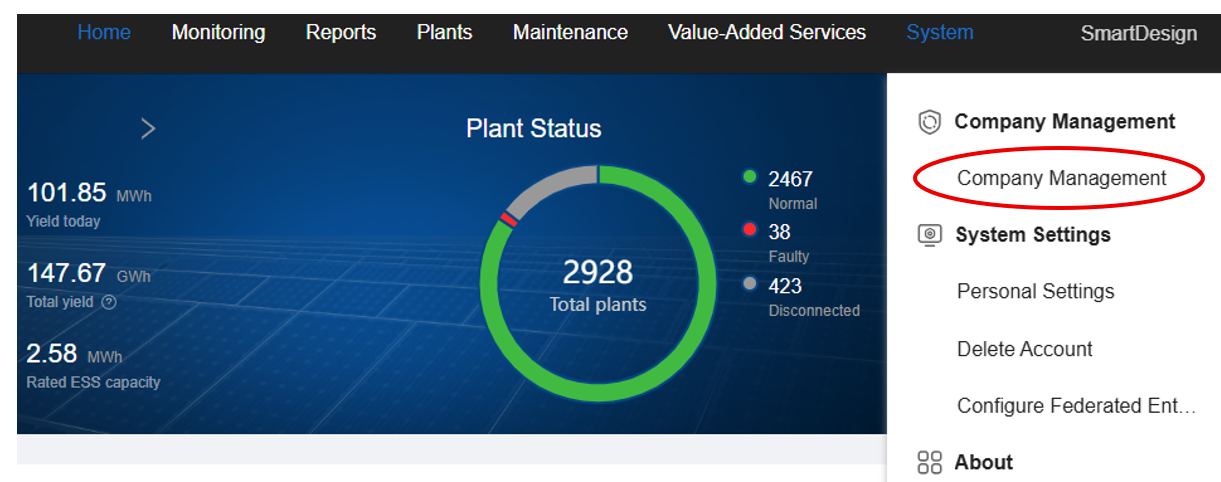
- This tab will appear:

search for the user by their email address or username to locate their profile. The user will then appear. - On the right side of the user’s row, click the pencil icon (edit).

- Basic information cannot be modified at this stage, but you can add comments for the user. Switch to the second tab and ensure that the correct role is selected. For an owner, choose the Owner option.
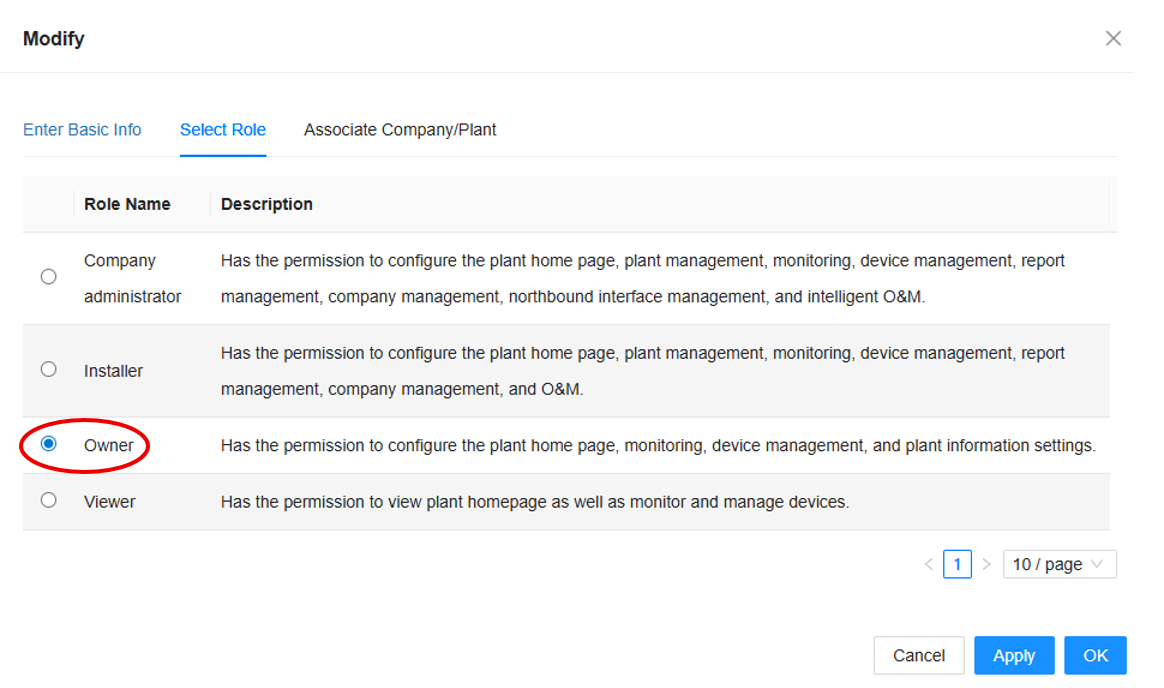
- Click Apply to save the permission change. Then go to the third available tab (Associate Company/Plant).
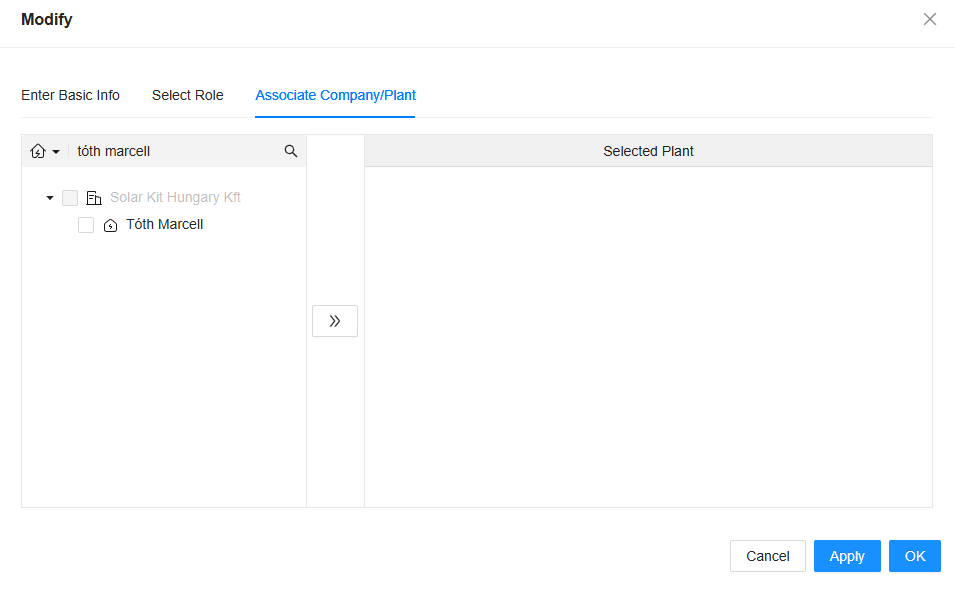
- If the user currently has no plant assigned, the page will be empty. From your own system, search for the plant you want to assign.
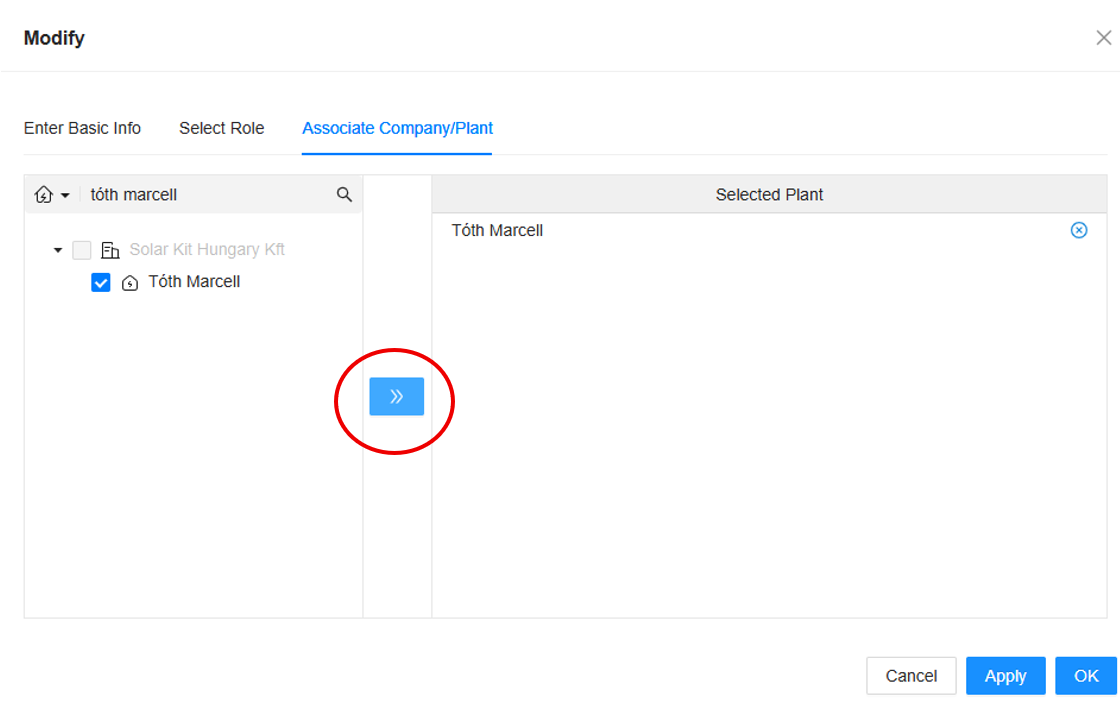
- Select the plant and use the double-arrow icon to transfer it to the user.
- Click Apply, then confirm with OK.