
In this article we show how and in which situations to use the optimizer search function on Huawei systems.
There can be several reasons to run an optimizer search. For example:
-optimizers have been newly installed
-optimizers added due to expansion
-the voltage on the string is 0 V (not always the solution)
1.Log in to the FusionSolar application.
2.Select the plant where you want to run the search.
3.Use the small arrow next to the plant to expand the devices in the plant.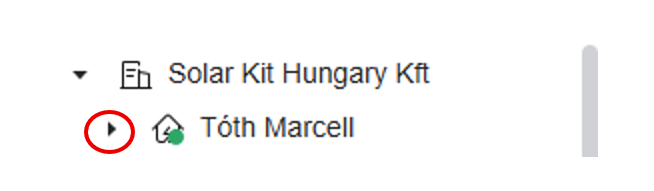
- Select the inverter.
- Select the Optimizer Search command.

- The system will request confirmation; press OK.
The optimizer search will then run.
It is also important to note that the optimizer search can only be performed under adequate irradiance! Therefore, always try to carry out this process at a time when the modules receive sufficiently strong sunlight at as steep an angle as possible, typically between 11:00 and 15:00, although this naturally depends on orientation.