
1. Open the following link:
https://digitalpower.huawei.com/service-request/#/Mailbox/index?lang=en_US&flat=1
2. This will take you to the following page: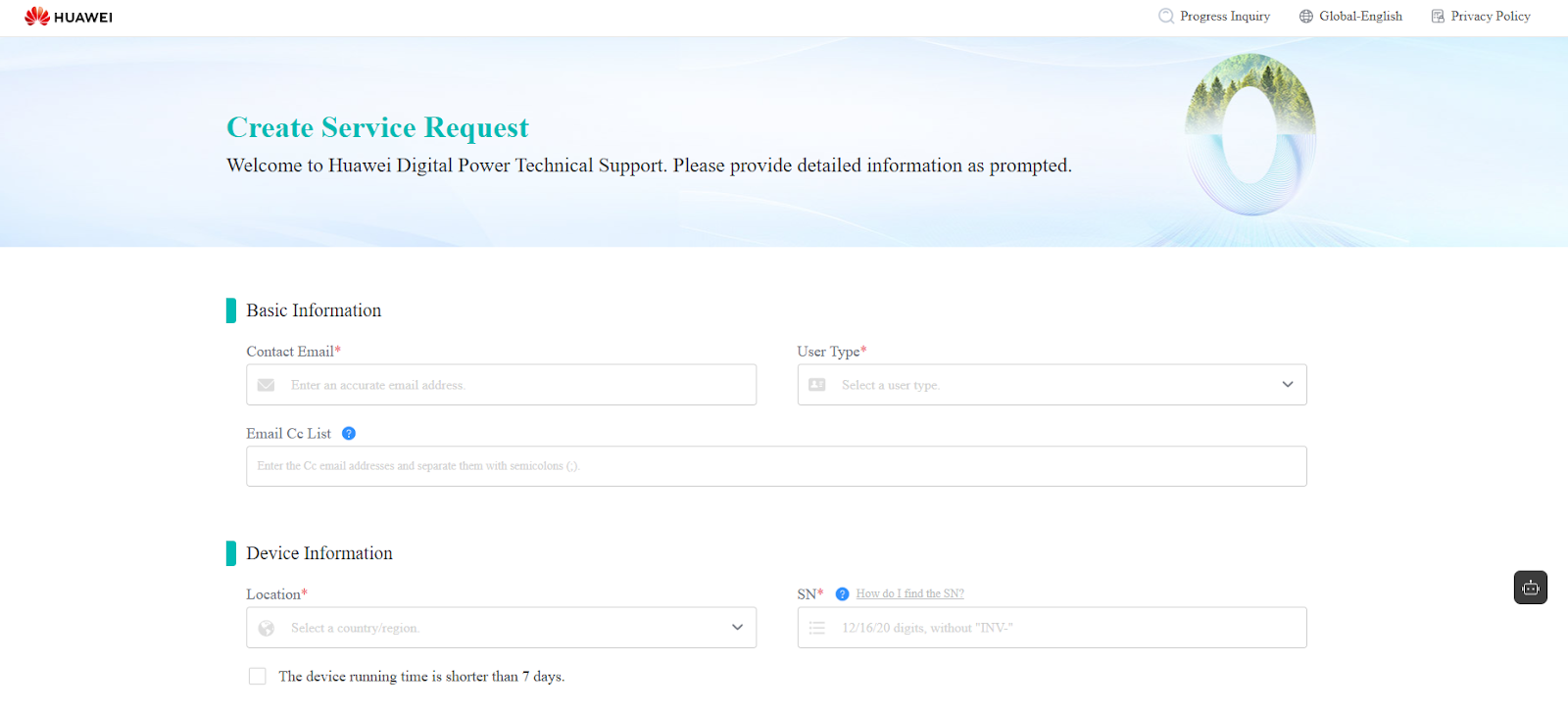
- Enter your email address and user type (Owner, Installer, Distributor).
- Provide the site location and the serial number of the device in question.
- Add a short description of the issue and a subject, e.g. Inverter error.
- If you know how to download the LOG files, do so and attach them under Attachments. You may also attach a photo of the inverter’s label to help with identification.
- Submit the ticket using the Submit button.
If everything was successful, you will receive an email confirmation shortly after, assigning a case number to your request. You can refer to this number in all further correspondence.